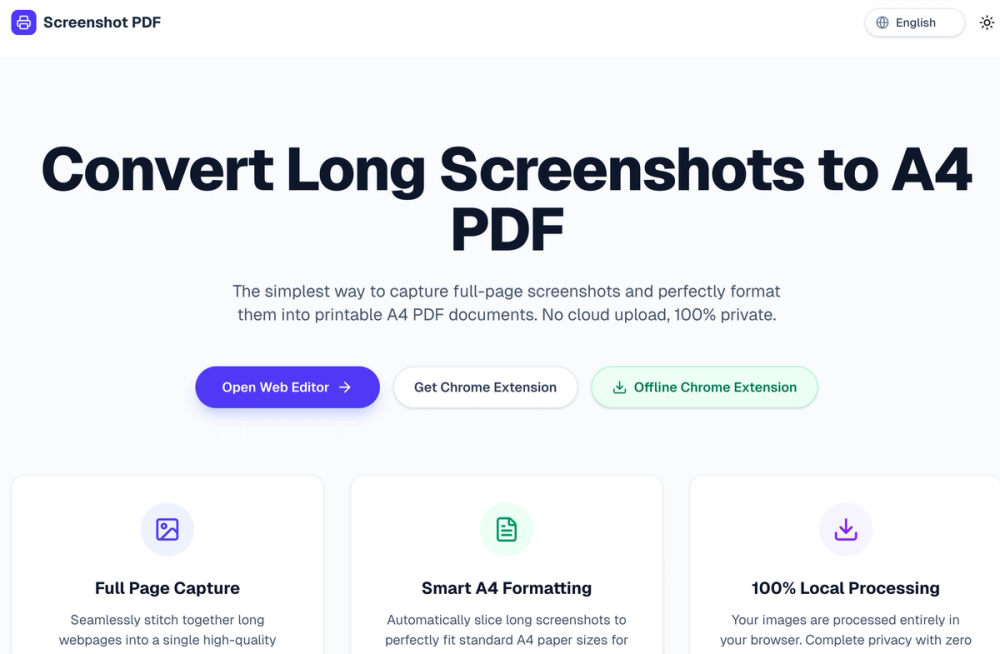
How to use the Screenshot-to-PDF tool: Install our lightweight Chrome Extension to capture any webpage, even those behind a login screen. Click the extension icon to automatically scroll and capture the entire page. After generation, you will be automatically redirected here, and your huge long screenshot will instantly load in the editor. Click "Generate PDF" to download your perfectly formatted ready-to-print document.
screenshotpdf
Learn how to take a scrolling long screenshot on Mac, Windows, iPhone, or Android. Capture full webpages to A4 PDF instantly without watermarks.
Introduction
More Products

Ai ToolsAI Design ToolsAI Training ModelsAI Language TranslationAI Audio ToolsAI Writing ToolsAI Legal AssistantsAI Learning WebsitesAI ChatbotsAI Development PlatformsAI Programming ToolsAI Video ToolsAI Model EvaluationAI Image ToolsAI Office ToolsAI Prompt EngineeringProductivity
AI SaaS Discovery Platform
Details
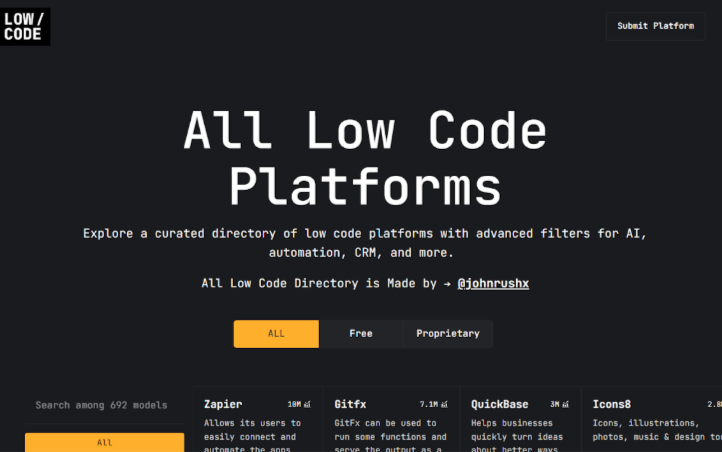
Discover and explore the best AI SaaS tools, connecting developers, entrepreneurs, and AI enthusiasts with innovative AI solutions.