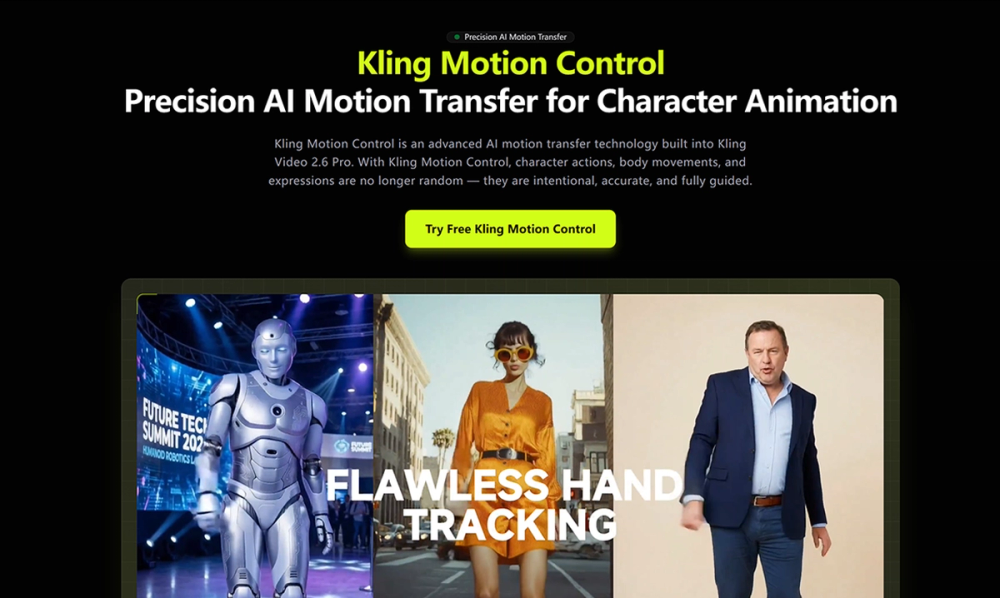
Kling Motion Control is powered by Kling Video 2.6 Pro, a motion-aware image-to-video model developed by Kuaishou. Unlike traditional AI video generation that relies on probabilistic motion synthesis, Kling Motion Control explicitly extracts motion paths from real videos and applies them to a reference image. By uploading:
- one character image, and
- one motion reference video (or selecting from the motion library), Kling Motion Control reconstructs the motion frame-by-frame, ensuring the generated video faithfully follows the original movement while preserving the visual identity of the character image. This makes Kling Motion Control ideal for creators who need predictable motion outcomes, long one-shot actions, or precise hand and body control.
How to Use Kling Motion Control 1.Upload a motion reference video and character image. 2. Enter a prompt to control background and scene details 3. Generate your motion-controlled video with Kling Motion Control
Key Features Motion Extraction and Transfer Full-Body Motion Accuracy Precision Hand and Gesture Control Flexible Character Orientation Modes Optional Audio Preservation Prompt-Guided Scene Refinement
Use Cases Character Animation & Illustration Apply real dance or action choreography to illustrated characters, mascots, or concept art using Kling Motion Control. Product & Brand Videos Transfer human gestures to animated brand characters for product demos, explainer videos, and marketing assets. Storyboarding & Pre-Visualization Generate realistic character performances early in the creative pipeline using Kling Motion Control for rapid ideation. Social Media Content Creation Apply trending motion clips to custom characters to produce engaging short-form videos with consistent motion quality.